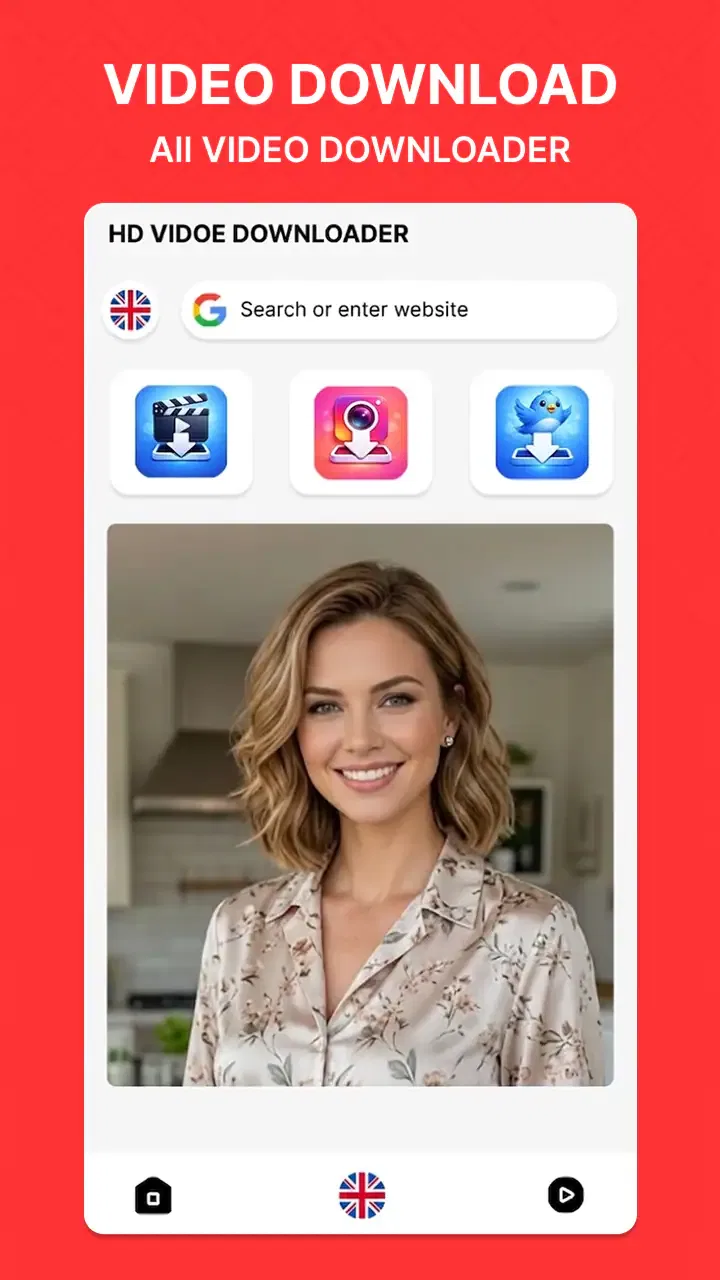
Video Player & HD Downloader
- 3.3
- Rating
- 1.00M
- Installs
- Free
- Price

 Analysis by App-foxy
I approach Video Player & HD Downloader as a practical tool rather than a full media-management suite. Its purpose is to give me one place to save videos for later and play the files I have downloaded. That narrow focus can suit a simple offline-viewing routine, but the experience still depends on whether a particular source and file work well with the app.
The app is made by Breed Vision and sits among video players and editing tools. It is free, rated for Everyone, and has passed one million installs. Its average rating is 3.3 from around four thousand six hundred ratings, so I would approach it with measured expectations rather than assume it will replace every streaming, editing, and file-organizing tool on my phone.
Getting from installation to a useful first watch
I find the first useful watch is less about exploring every control and more about checking the whole path once: choose a video you’re allowed to save, download it, then open the finished file before relying on it offline. Starting with a short clip makes it easier to spot source or playback trouble without spending much time or storage. Next, I’d pay attention to what choices the app asks me to make along the way.
You May Also Like

 Blood Strike: 2.5 Anniversary
Blood Strike’s Loadouts Turn Every Drop Into a Tactical Gamble
A close look at Blood Strike’s custom loadouts: how fast access to signature weapons reshapes its battle royale rhythm, rewards preparation, and narrows the gap between fights.

 Pandora - Music & Podcasts
Pandora’s Music Is Easy to Start, but Harder to Recover
Pandora’s strength is its low-effort path from a seed to a station. Its weak spot is how much confidence it asks you to place in connection, setup, and quiet recovery.

 8 Ball Pool
 Is Built on Rivalries, Rematches, and Routine
A close look at the rivalries, rematches, shared routines, and unanswered safety questions that turn a quick pool match into a persistent mobile community.

 Samsung Music
’s Quiet Strength Is Playing What You Already Own
Its reach comes less from spectacle than from dependable access to a personal library. That simplicity is both the app’s strongest retention engine and its ceiling.

 AccuWeather: Weather Radar
AccuWeather Review: A Quick, Clear Forecast for Everyday Decisions
For everyday plans, the best forecast is the one you can understand quickly. AccuWeather makes rain timing, radar, and local conditions easy to act on, with a few trade-offs.

 Hill Climb Racing
Why Hill Climb Racing Still Turns Crashes Into One More Run
A tiny car, a bumpy hill and one more upgrade: Hill Climb Racing keeps resurfacing because its simple chaos makes every near-miss feel personal.
More From Our News Desk



What the first launch feels like
For a first-time user, the most important thing to understand is that the app combines two jobs: downloading video and playing video. Those jobs are related, but they are not identical. A successful download depends on the source and the way the app can access it, while playback depends on the resulting file and the device. Keeping that distinction in mind prevents a common mistake: assuming that a video-player app can automatically save every video found online.
The current release is version 18.0, and it requires Android 11 or newer. That requirement is worth checking before spending time troubleshooting. If the phone is running an older Android version, the problem is compatibility rather than a setting inside the app. On a supported phone, I would begin by looking for the app’s main download and playback controls, then make sure I know where completed videos appear before starting a large transfer.
I recommend beginning with a short, non-essential video. A small test lets me learn whether the source is recognized, whether the download starts normally, and whether the finished file opens in the built-in player. It also avoids wasting storage or mobile data while I am still learning the workflow.
The first successful download
My preferred first-use routine is simple. I choose a video that I am allowed to save, start the download, and wait until it is clearly complete before opening it. I then play the saved file with the app instead of immediately trying several different sources. This creates a clean test: if the file plays smoothly, I know the basic path from source to offline viewing works on my device.
The HD part of the name is best treated as an option to use thoughtfully, not as a promise that every video will become high definition. A source cannot provide detail that it never contained. Higher-quality downloads can also take more time and storage, so I would choose the best sensible quality for the screen I plan to use. For a phone viewed briefly during a commute, a smaller file may be the better trade-off; for a tablet or television connection, higher quality makes more sense.
The safest way to judge the app is to test one permitted video before building a large offline library. This reveals more than promotional wording can: whether the source works, whether the file is easy to find, and whether playback remains comfortable after the download has finished.
How I would use it in everyday life
Imagine that I am preparing for a train journey and want a few instructional videos available without relying on a stable signal. I would download them at home over Wi-Fi, open each completed file once, and confirm that the picture and sound behave as expected. That last check matters because discovering a failed or incomplete download after leaving home defeats the whole purpose of offline viewing.
Another useful situation is reviewing a reference video repeatedly while working on a task. Instead of reopening a web page each time, I can keep a local copy and use the player for repeat viewing. This is especially convenient when I need to pause, rewind, and compare a particular moment several times. The value here is not flashy editing; it is reducing the number of steps between opening the app and watching material I already saved.
I would also use a naming and storage habit from the beginning. If downloaded files appear in a general video area, vague filenames can become confusing quickly. Saving only what I need, checking the finished files, and removing failed or outdated copies keeps the library manageable. This small workflow improvement makes a basic downloader feel more dependable.
Where new users may become confused
The most likely confusion is treating “download” as if it means “download anything from anywhere.” In practice, video sources can impose their own restrictions, use formats the app does not handle equally well, or require an access method that is not available through a simple player. A failed attempt does not automatically mean the phone or the app is broken. I would first test another permitted source and confirm that the original video is accessible in the normal way.
A second point of friction is the difference between a video being visible in the app and being stored locally. A listed item may still depend on its original location, while a completed download should be available as a file for offline playback. Before going offline, I would switch off the connection briefly or use another reliable offline test to make sure the video really is saved.
Quality choices can cause similar uncertainty. A high-definition label does not guarantee identical results for every clip, and a larger file is not always the best choice. If storage is tight, I would start with a moderate quality and reserve the highest available option for videos where fine detail genuinely matters. That approach protects space without turning every download into a compromise.
Playback is useful, but not the same as editing
Because the app belongs to a category that includes video players and editors, some readers may expect trimming, filters, captions, or a full creative workspace. I would not choose it primarily for those tasks. Its clear identity is watching downloaded material, not producing finished videos. Someone who needs to cut clips, add transitions, record voice-over, or prepare content for publication will likely be better served by a dedicated editor.
As a player, its appeal is convenience: download first, watch later, and keep the viewing step close to the saving step. That can be more comfortable than juggling a browser, a file manager, and a separate player. The trade-off is that a focused downloader may feel limited beside a mature media library with extensive sorting, casting, subtitle management, or format controls. If those features define your daily viewing habits, I would compare carefully before making it the main player on the phone.
Practical choices that improve the experience
One useful habit is to separate testing from collecting. I would not queue many videos until one has completed and played correctly. This avoids filling storage with files that cannot be opened and makes it easier to identify a source-specific problem. It also gives a first-time user a clear sense of progress: one successful download, one confirmed offline playback, then a larger routine.
A second habit is to match the download to the viewing context. For a small phone screen, the biggest available file may offer little visible benefit. For detailed demonstrations, presentations, or footage I intend to inspect closely, higher quality can be worthwhile. The right choice depends on the screen, available storage, and how long I expect to keep the file, not simply on selecting the most impressive option.
A third is to check the file after downloading rather than assuming that a progress indicator tells the whole story. I would start playback near the beginning, move through a different point in the video, and listen for stable audio. That quick inspection catches incomplete transfers and source problems while the original content is still easy to retrieve.
Finally, I would keep the app’s role clear. It is a convenient place for permitted offline video, but I would not use it as my only backup for important personal recordings. A downloader and player is not automatically a long-term archive. Important files should remain organized in a storage location I understand and can access independently.
Trust, controls, and thoughtful use
For a downloader, trust is not just about whether a file plays. The app sits between a video source and a local copy, so I would pay attention to the choices presented during ordinary use. Before accepting a prompt or starting a transfer, I would make sure I understand what action I am taking and whether the video is one I have permission to save. That simple pause is useful regardless of which player or downloader I choose.
I would also treat access requests as decisions to review rather than routine buttons to tap through. Android presents permission controls at the system level, where I can consider whether a requested access makes sense for the task I am trying to do. If a permission prompt appears, I would read it, decide whether I want to grant it, and revisit the phone’s settings if I later want to change that choice. This is a sensible habit for any app that handles local media.
When a video is personal or work-related, I would be especially deliberate about where I save it and who can use the device. A local copy can be convenient on a trip, but it is still a file on a phone; offline availability does not make it a private archive by itself. I would avoid saving material that I do not have the right to keep, and I would remove downloads I no longer need rather than letting a temporary collection become an unmanaged one.
Which workflow suits it best
This app makes the most sense when the same person wants to save a permitted video and watch it later on the same Android device. The shorter route can be handy for a student revisiting a public lesson, someone following a repair demonstration in a place with unreliable reception, or a traveler preparing a few clips before leaving home. In each case, the useful step is to test playback while still connected, not to assume a visible download entry guarantees a complete local file.
Compared with the usual alternatives, the choice comes down to where the video starts and what you do after watching. A streaming service is more convenient when its own offline mode covers the content you want, since it keeps that viewing inside its established library. A browser and file manager offer more separation between finding, saving, and opening videos, but can involve extra steps. A dedicated media player is often a better fit for people who already have a large local collection and care about sorting or playback controls. I would choose this app when the combined save-and-watch path matters more than those broader tools.
There is also a practical storage trade-off that is easy to overlook. If I am saving several clips for a single journey, I would decide in advance which ones I will actually watch and remove them afterward. This avoids turning a temporary offline queue into a permanent pile of files, and it makes it easier to spot the videos I still need. For a long-term collection, a purpose-built library or a clearly organized file system is a better home.
Who should try it first
I see the strongest fit for someone who wants a free, uncomplicated way to save videos for later viewing on a reasonably current Android phone. It is also a sensible trial for users who dislike depending on a browser page every time they revisit a video. Its Everyone age rating makes it approachable for a broad audience, while its install base gives it enough visibility to be worth evaluating rather than dismissing immediately.
It is less suitable for someone who wants a complete streaming subscription experience, a professional editor, or a carefully curated media server. I would also hesitate to recommend it as the only choice for a user who needs guaranteed compatibility with a wide range of unusual formats or sources. Those needs call for a more specialized player or a tool designed around the exact workflow.
My final take after using the workflow
Video Player & HD Downloader succeeds when I treat it as a direct path to offline video: choose a permitted source, download a sensible quality, verify the file, and watch it later. That path is easy to understand, and the free price lowers the barrier to trying it. The app is most convincing in small, repeatable situations such as travel preparation, study references, or watching saved clips where connectivity is unreliable.
Its limitations are just as important. The rating of 3.3 suggests that the experience may not be equally smooth for everyone, and a downloader cannot overcome restrictions or quality limits imposed by a source. It also should not be confused with a full editor or an advanced media-library application. I would recommend starting with one short test download, checking offline playback, and then deciding whether the app fits your sources and storage habits.
For me, that makes it a reasonable practical option rather than an automatic must-have. If your main goal is simple offline viewing and your phone meets the Android 11 minimum, it is worth a careful try. If you need deep organization, advanced creation tools, or dependable handling of every kind of video, I would look toward a more specialized alternative instead.
FAQs for Video Player & HD Downloader
01What video formats does Video Player & HD Downloader support?
Video Player & HD Downloader supports a wide range of video formats, including MP4, AVI, MKV, MOV, and more. This ensures compatibility with most video files you may encounter, providing seamless playback without the need for additional conversion tools. Users can enjoy their videos in high definition, enhancing their viewing experience.
02Can I download videos directly from websites using this app?
Yes, Video Player & HD Downloader allows users to download videos directly from a variety of websites. The app includes a built-in browser, enabling you to navigate to your desired site and download content with ease. This feature is particularly useful for users who want to save videos for offline viewing.
03Does Video Player & HD Downloader offer subtitle support?
The app provides robust subtitle support, allowing users to load subtitles in different formats such as SRT, ASS, and SSA. This feature enhances the viewing experience, especially for foreign language films or videos, ensuring users can follow along with ease. Subtitles can be easily added and synchronized within the app.
04Is the app free to use, or are there any in-app purchases?
Video Player & HD Downloader offers a free version with essential features. However, for users seeking an ad-free experience or additional functionalities, there is a premium version available through in-app purchases. The premium version unlocks enhanced features and provides a smoother user experience.
05How user-friendly is the interface of Video Player & HD Downloader?
The app is designed with a user-friendly interface that is intuitive and easy to navigate. Users can quickly access video files, manage downloads, and adjust playback settings. Whether you're tech-savvy or a beginner, the app’s straightforward design ensures a hassle-free experience for all users.
Pros
- High-quality video playback options.
- Supports multiple video formats.
- User-friendly interface design.
- Fast and efficient download speeds.
- Built-in subtitle support.
Cons
- Occasional ad pop-ups during use.
- Limited advanced editing features.
- Requires internet for some functions.
- In-app purchases can be pricey.
- Large app size may affect storage.

Video Player & HD Downloader
Gallery